
Barbie Rewind Beginner Guide: Quests, Decor, and XP
Use this Barbie Rewind beginner guide to follow quests, earn XP, unlock DreamHouse decor, and explore classic games. Start creating your own retro rooms.
Getting Started: Follow Barbie’s Quests
Your next DreamHouse decoration could come from a trip through Barbie’s gaming past. This Barbie Rewind beginner guide explains how quests, classic games, and decorating connect so you can work toward more furniture choices. Start with Barbie’s requests, then use your growing collection to give each room its own personality.
-
Let Barbie’s calls guide your next objective.
Barbie calls with updates and new quests, and completing quests earns XP and unlocks decoration items. Follow those requests when you want a clear goal alongside freeform decorating. Ken, Teresa, and Christie also appear with design requests, giving you more reasons to experiment with your style.
-
Build around the decorations you already have.
There are more than 250 furniture pieces, decorations, and accessories to unlock. Start a room with your current selection instead of planning every detail around an item you still need. Treat new unlocks as opportunities to develop your design: a different chair or vanity can suggest an entirely new direction.
Playing Classic Games to Unlock More Items
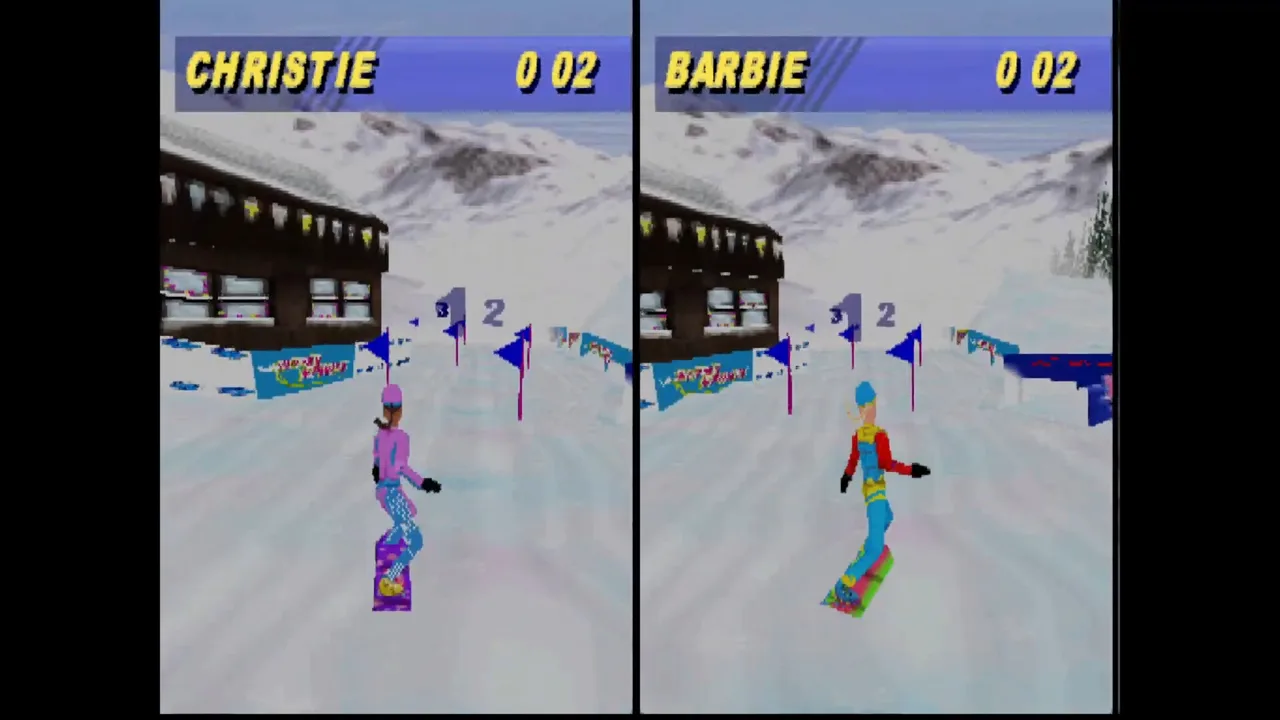
The retro collection connects directly to DreamHouse progression. Playing through the included games lets you complete additional quests and unlock more decorating items, so there’s a practical reason to spend time beyond the design side.
 Image: Steam / Digital Eclipse
-
Match your play sessions to a quest objective.
Read the task before settling into a classic game, then focus on what it asks you to accomplish. Keep that objective separate from your personal goal of exploring or finishing a favorite title. This helps you work toward a decoration unlock while still leaving room to enjoy the collection at your own pace.
-
Explore beyond the Barbie games you remember.
The collection features 16 classic Barbie games spanning 1991 through 2007, including the previously unreleased Barbie™ Vacation Adventure. Other featured titles include Barbie® Pet Rescue, Barbie™ Horse Adventures™: Blue Ribbon Race, and Detective Barbie®: The Mystery Cruise™.
Choose something familiar for nostalgia, then try another title when you want a change. The collection brings together games originally released across systems including NES, Game Boy, PlayStation, and Game Boy Advance.
Decorating Tips: Give Each Room a Direction
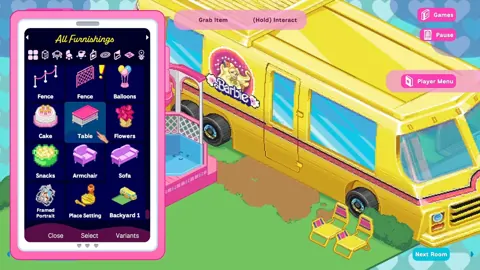
Your DreamHouse draws on more than 65 years of Barbie history. Furniture and accessories take inspiration from real playsets, with pieces ranging from a classic pink vanity to a ’90s inflatable chair.

-
Choose the room’s backdrop before its smaller details.
You can select from three retro DreamHouse designs for the exterior facade, walls, and floors, and mix those styles between rooms. Pick a wall and floor combination to establish the room’s mood, then choose furniture that complements it. This gives you a visual starting point when the growing decoration collection feels overwhelming.
-
Experiment with a different era in another room.
Use the ability to mix designs from room to room. Try a coordinated retro theme in one space and a combination of decades in another. Let a distinctive piece, such as the inflatable chair, inspire the surrounding furniture rather than making every room follow the same formula.
-
Use the digital Lookbook for inspiration.
The Lookbook explores the history behind iconic DreamHouses and playsets. Browse it when you want context for the styles you’re working with, then borrow a color combination or overall mood for your next design. It gives the decorating side a connection to Barbie history beyond simply collecting more objects.
PC Setup: Prepare for Retro Game Sessions
-
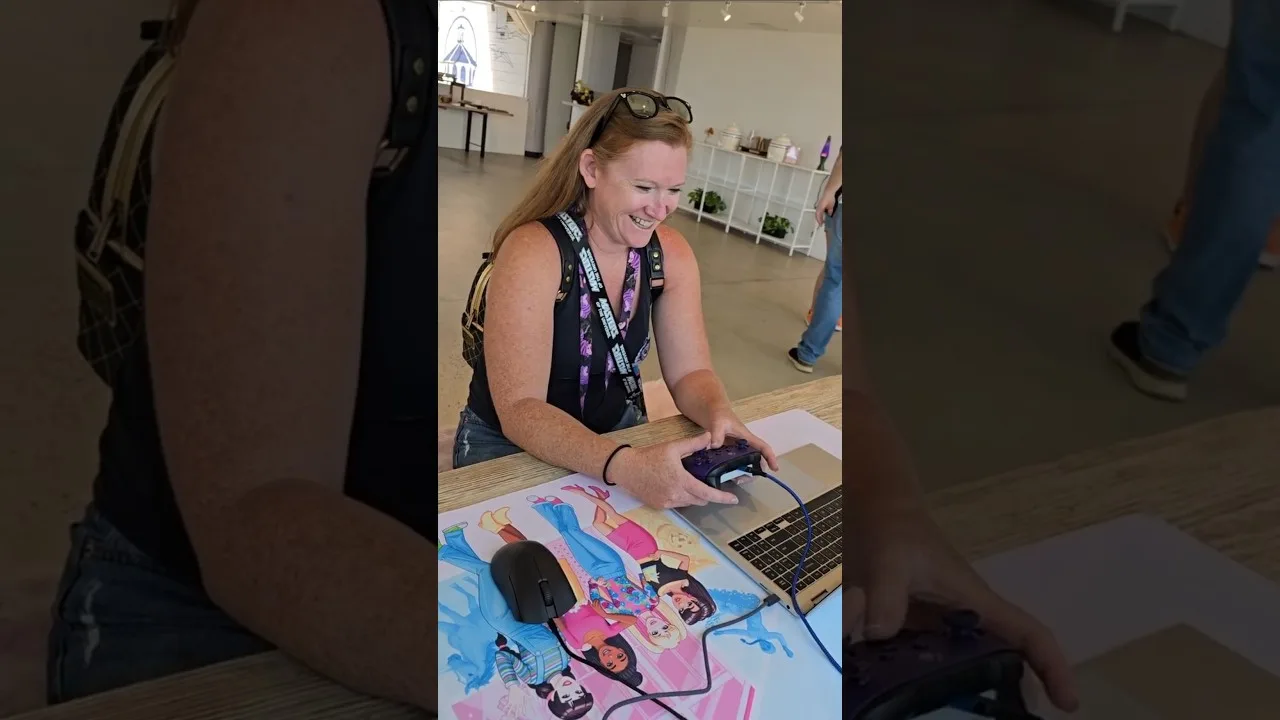
Have a controller ready on PC.
Barbie Rewind supports controllers fully, and a gamepad is recommended. Use one if you prefer playing console-era games with a familiar controller layout.
PC feature Detail Supported PC platform Windows Controller support Full controller support Steam achievements 11 For installation, allow 8 GB of available storage. The minimum requirements also include Windows 10 (64-bit), 8 GB RAM, and DirectX 11. Check your PC against those requirements before downloading Barbie Rewind on Steam.
Continue with
 Barbie Rewind Game Guide: DreamHouse, Games and TipsExplore the Barbie Rewind game with DreamHouse decorating tips, classic games, rewind controls, edition differences, and PC requirements before you play.
Continue exploring
Barbie Rewind Release Date, Platforms, and Editions
Barbie Rewind release date, platforms, and editions explained. Compare digital and physical options, prices, and DLC before choosing your copy of the game.

Barbie Rewind Price: Standard, Deluxe, and DLC Guide
Compare the Barbie Rewind price for digital and physical editions, see what the $59.99 doll bundle includes, and explore the Decorator's Bundle DLC extras.
Join the community
Official channels for news, updates and player help: